
Independentweather tools.
Local forecasts, storm context, and radar tools—built to make weather easier to use and understand.
Browse the projectsWeather tools for different needs.
Plan your day, follow a storm, or inspect radar data in more detail.
Weather is complicated.
The tools can be clearer.
What is this storm doing? Why did the forecast change? Which details matter for the day ahead?
LonelyWeather is a collection of independent weather projects. Each one takes on a different part of the problem, from practical daily forecasts to storm context and radar analysis.
I’m building these projects in public, one useful improvement at a time.
Plan the day.
Keep an eye on the sky.
CalmCast brings a local briefing together with rain timing, outdoor windows, commute context, and radar you can return to as conditions change. Available sections depend on your county and the data at hand.
Useful context, kept clear.
Today separates active alerts, the SPC severe-storm outlook, and local forecast conditions so each source keeps its own meaning. Radar includes recent rain and forecast frames.
Where CalmCast is headed
I’m continuing to improve the daily briefing and the context around it. New features depend on reliable data and careful testing; this describes a direction, not a release schedule.
Storms in context.
Tools to explore.
Weather maps, analysis, and forecasts in one beta workspace.
Explore radar.
Understand the setup.
StormBuddy is a beta weather workspace with Radar, Analysis, Forecast, and Chase areas. Check current conditions, then open the tools that add context.
Tools at different stages.
Radar and forecast views bring live weather feeds into one place. Available data varies by tool, and some deeper analysis features are still evolving.
How the analysis tools fit in
Compare radar with satellite or model guidance, then use a sounding to inspect the atmosphere around a storm. The interface is still evolving as these tools are developed.
Who StormBuddy is for
StormBuddy is for people who want more context than a forecast alone provides, whether they are new to radar or already comfortable exploring weather data.
Radar in focus.
Scan by scan.
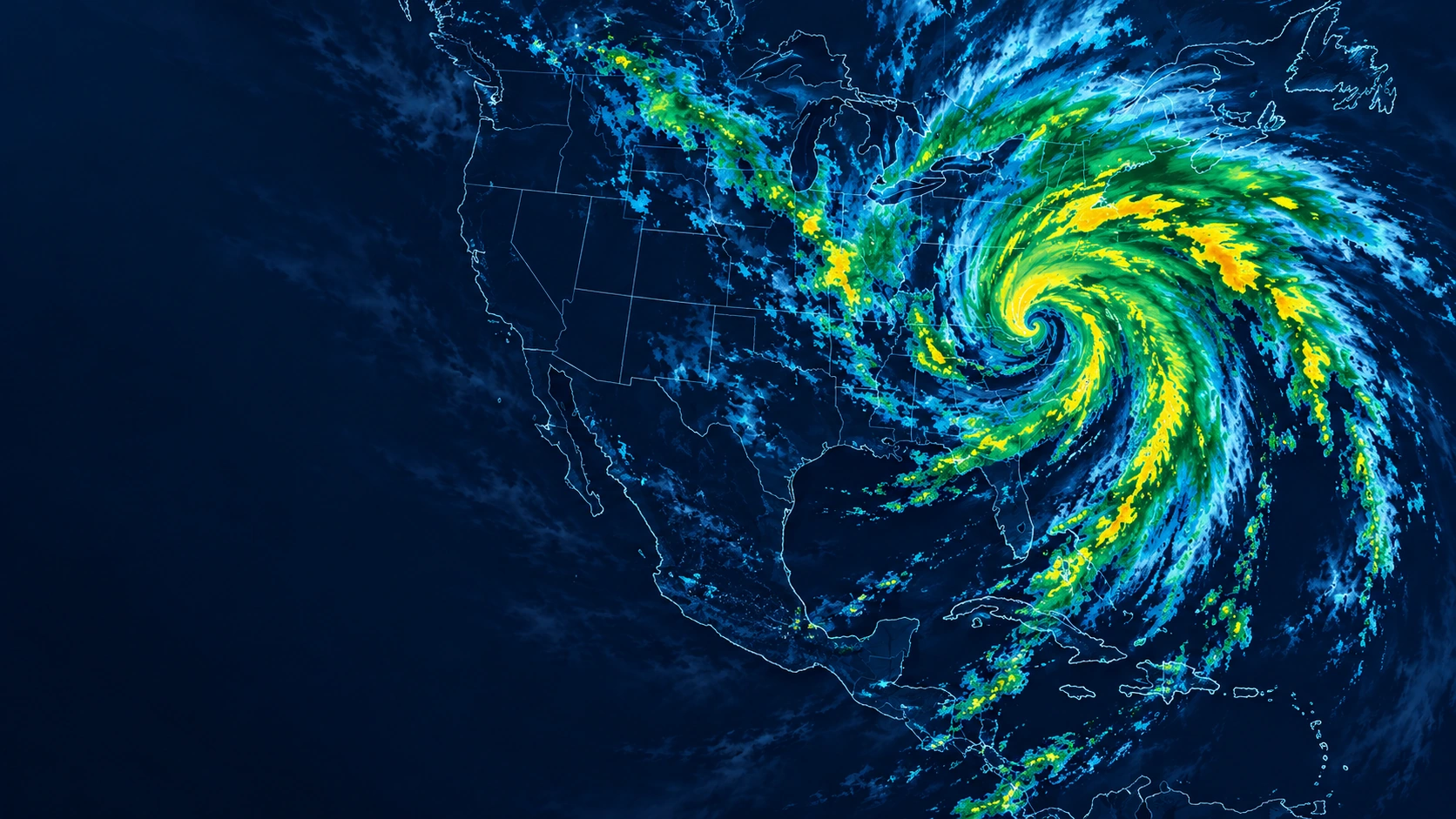
Skydar is a live radar workspace in beta. Choose a radar site, inspect available reflectivity, velocity, and dual-polarization products, and step through recent scans. Product availability varies by site.
A focused place to inspect the data.
Skydar centers the radar view and its controls, giving people who want a closer look a dedicated place to work.
Longer-term direction
I’m working toward a free radar tool with greater professional depth. The full set of features and datasets is a goal, not a description of what is available today, and there is no promised release date.
How Skydar and StormBuddy differ
StormBuddy brings radar together with forecasts, analysis, and learning. Skydar focuses on radar itself and the controls needed to inspect it in more detail.
About · Why I build
Weather,
made clearer.
Tools for planning, storm context, and radar.
Over time, weather became something I wanted to understand better. I started following radar, learning how storms develop, and paying closer attention to how forecasts connect to what’s happening outside.
Now I work on tools for everyday planning, storm context, and radar. I want weather information to be clearer and easier to use.
Independent projects.
Steady progress.
CalmCast is available. StormBuddy and Skydar are in beta. Meso is in development and not yet available publicly.
I’m focused on making each project more useful and dependable. I’ll share updates as features are ready.
See what’s availableFuture ideas describe direction, not a release schedule. Project status and data availability can change.